Installing /e/OS on Motorola edge 30 neo
I have old Motorola Edge 30 Neo serving as audiobook player for my son. What bothers me is that to use it, it has to be registered with my Gmail account. There are apps that can't be uninstalled or disabled. It gives my kid opportunity to mess with stuff that he shouldn't.
And of course there are no new software updates. It runs on Android 14: https://www.androidupdatetracker.com/p/motorola-edge-30-neo
So I thought maybe I will try installing /e/OS as it is "degoogled" os which gives more flexibility.
The guide is available here, and Motorola Edge 30 Neo is supported: https://doc.e.foundation/devices/miami
Installation was quite straight forward but there are some "gotchas" that I will document here (probably just for future me):
- I'm using ZorinOS on my Acer Swift GO 14 notebook. I didn't have to install any additional (Motorola) drivers.
- Installing adb and fastboot - I wouldn't even call it "installing", it's just downloading .zip, unzipping and running scripts:
 ./adb devices

 ./fastboot devices
Remember to use sudo(sudo ./adb devices etc.) when executing above scripts (if you are not a root). I run into some errors and I found on some old Reddit post where it suggested to use sudo:https://www.reddit.com/r/AndroidQuestions/comments/11enz5y/problems_with_fastboot_waiting_for_device/
Step 5 of "Temporarily Booting a custom recovery using" - there was no command or other way to shut down the device. The only option was to start the device. Once it has booted, you can shut it down by holding the power off button and selecting an option, but I couldn't select "shutdown" as touch controls didn't work... Luckily, holding the power off button long enough powered off the device.
After that whole process went according to manual. At step 4 of "Install /e/OS" indeed it stopped at 47% with some error returned on the phone. After ~10 minutes it continued and finished.
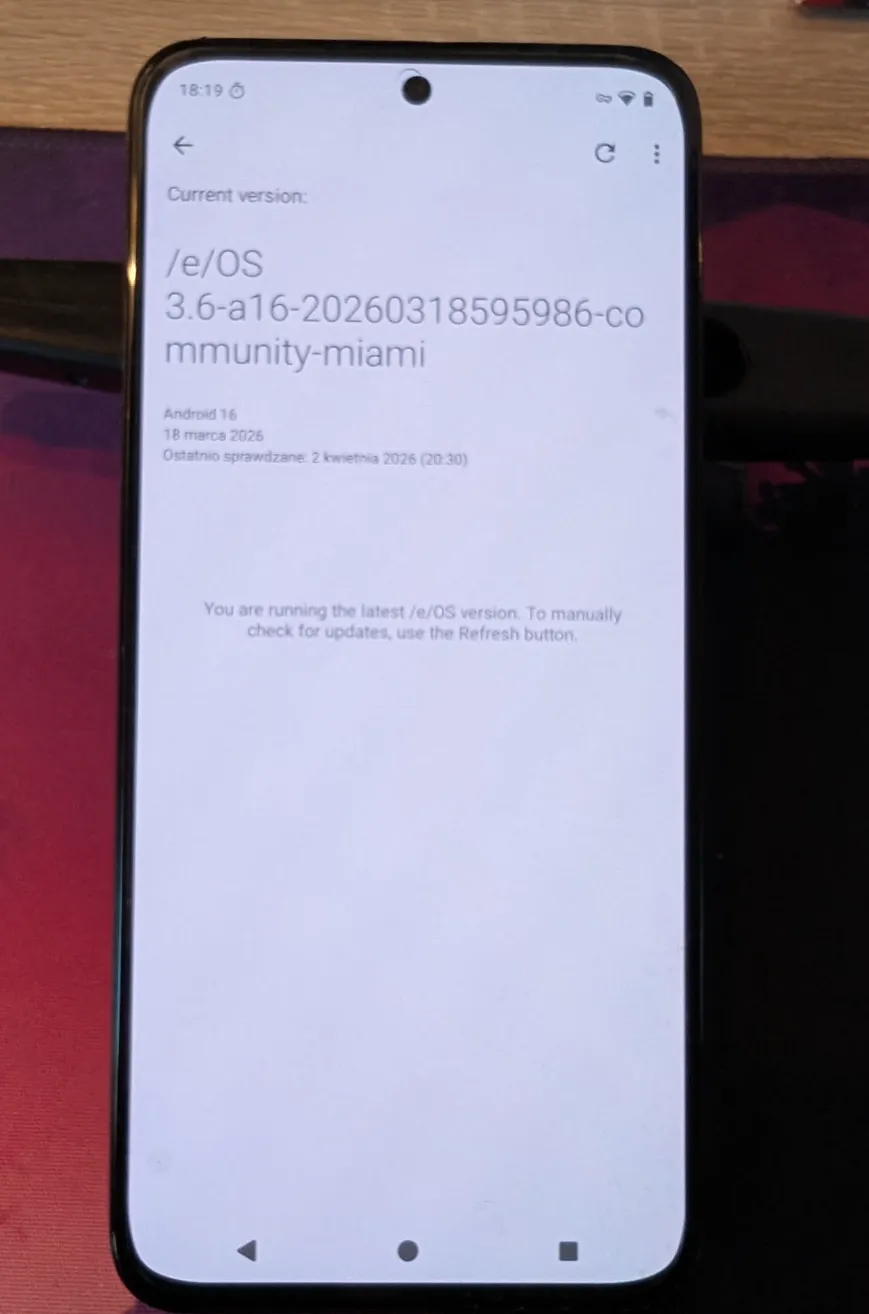
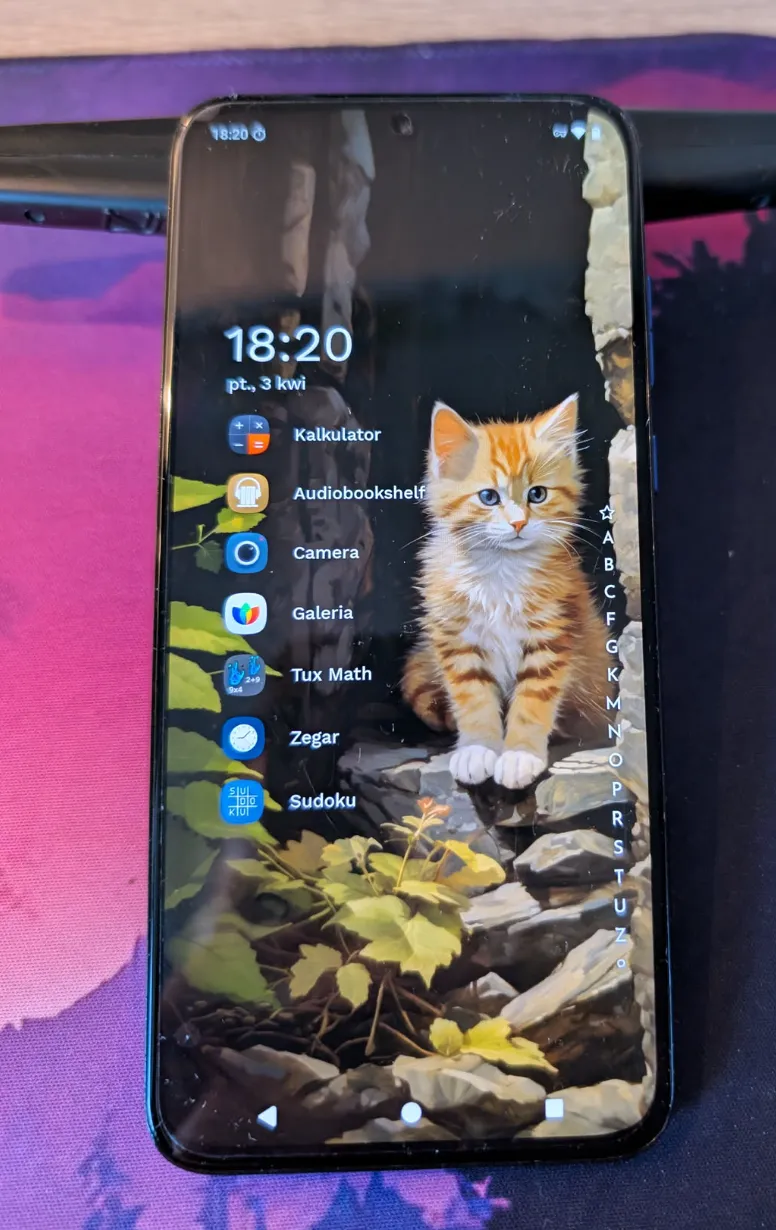
Result:
Testing starts...